TangleGuard Studio
One graphical interface for your architecture: explore the dependency graph, define layers and rules visually, find tangles and review structural changes. Open it wherever you work.
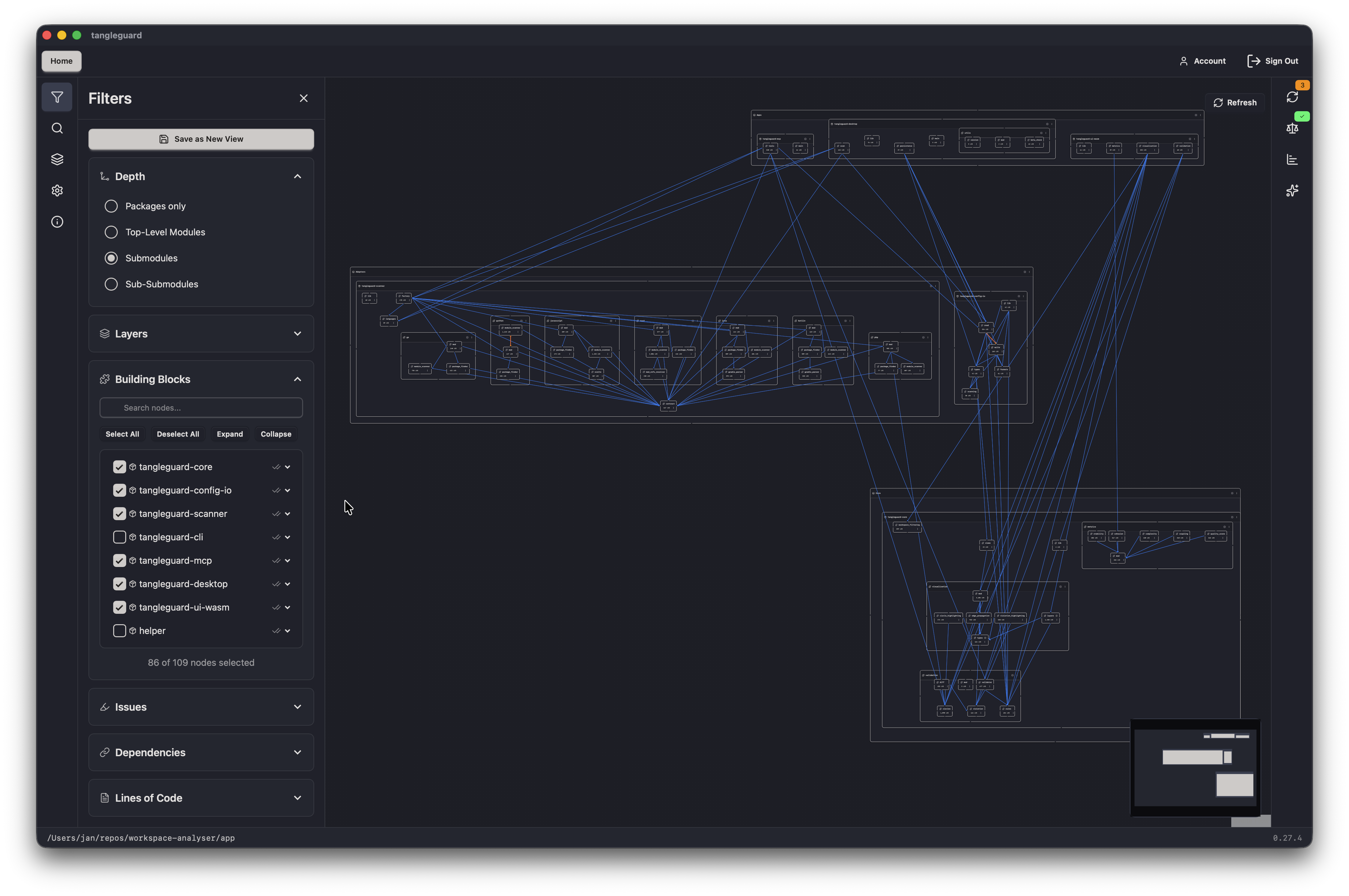
Desktop, browser, editor or a single file
The same interface everywhere — pick the one that fits how you and your team work.
Desktop app
The full Studio on macOS, Windows and Linux. Analyzes your code locally, works offline, no account needed.
DownloadWeb app (Cloud)
The hosted Studio, nothing to install. The GitHub Action or the CLI uploads the structure, and you share the project with your team.
Open in the browserVS Code extension
The Studio as a panel in your editor — from the VS Code Marketplace or Open VSX.
Install the extensionHTML from the CLI
tangleguard scan --html writes one self-contained page with the interactive graph. A read-only snapshot: no server, hand it to anyone.
How it worksSee the architecture, then shape it
Everything you need to understand a codebase's structure and keep it the way you intended.
See the real structure
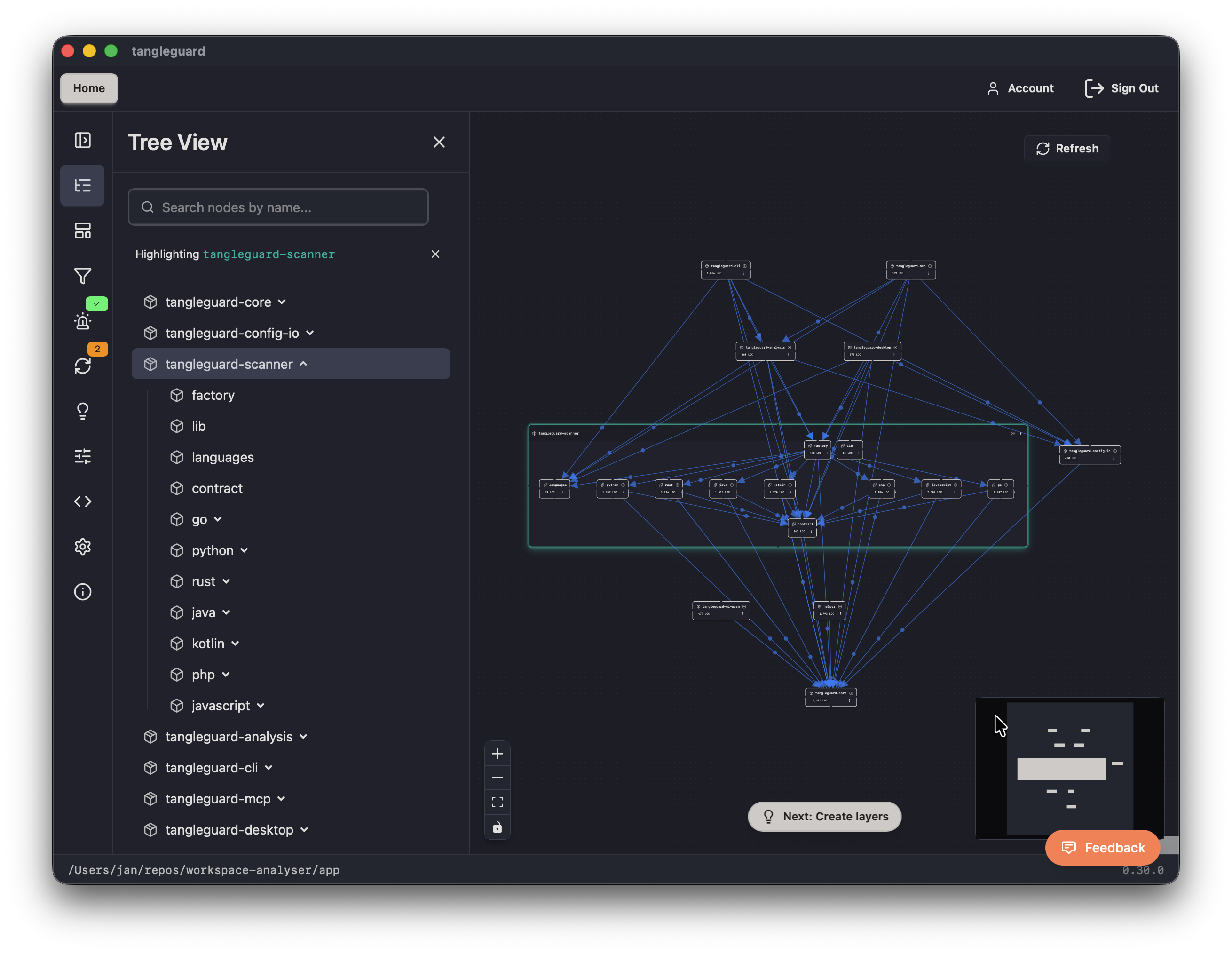
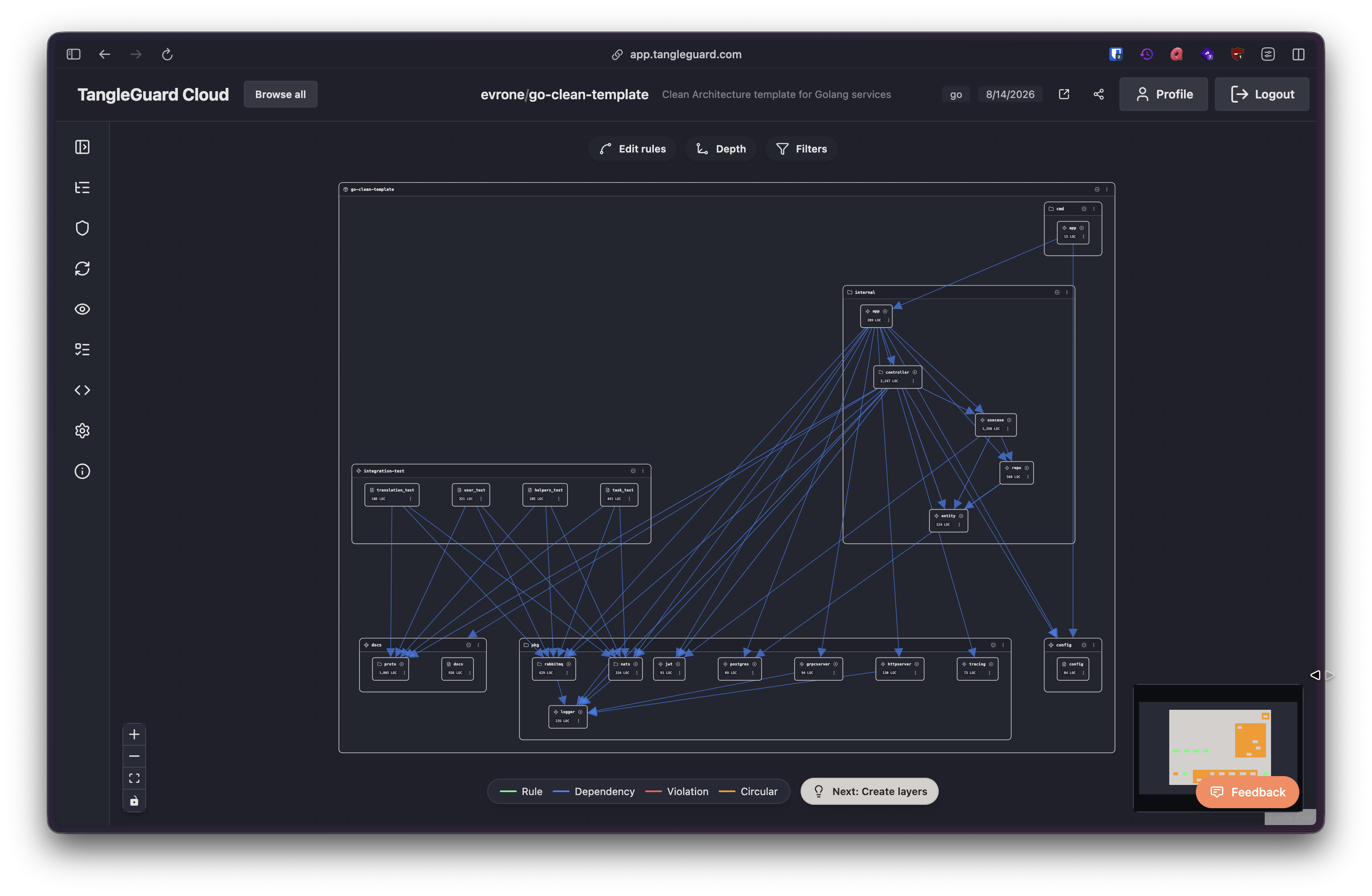
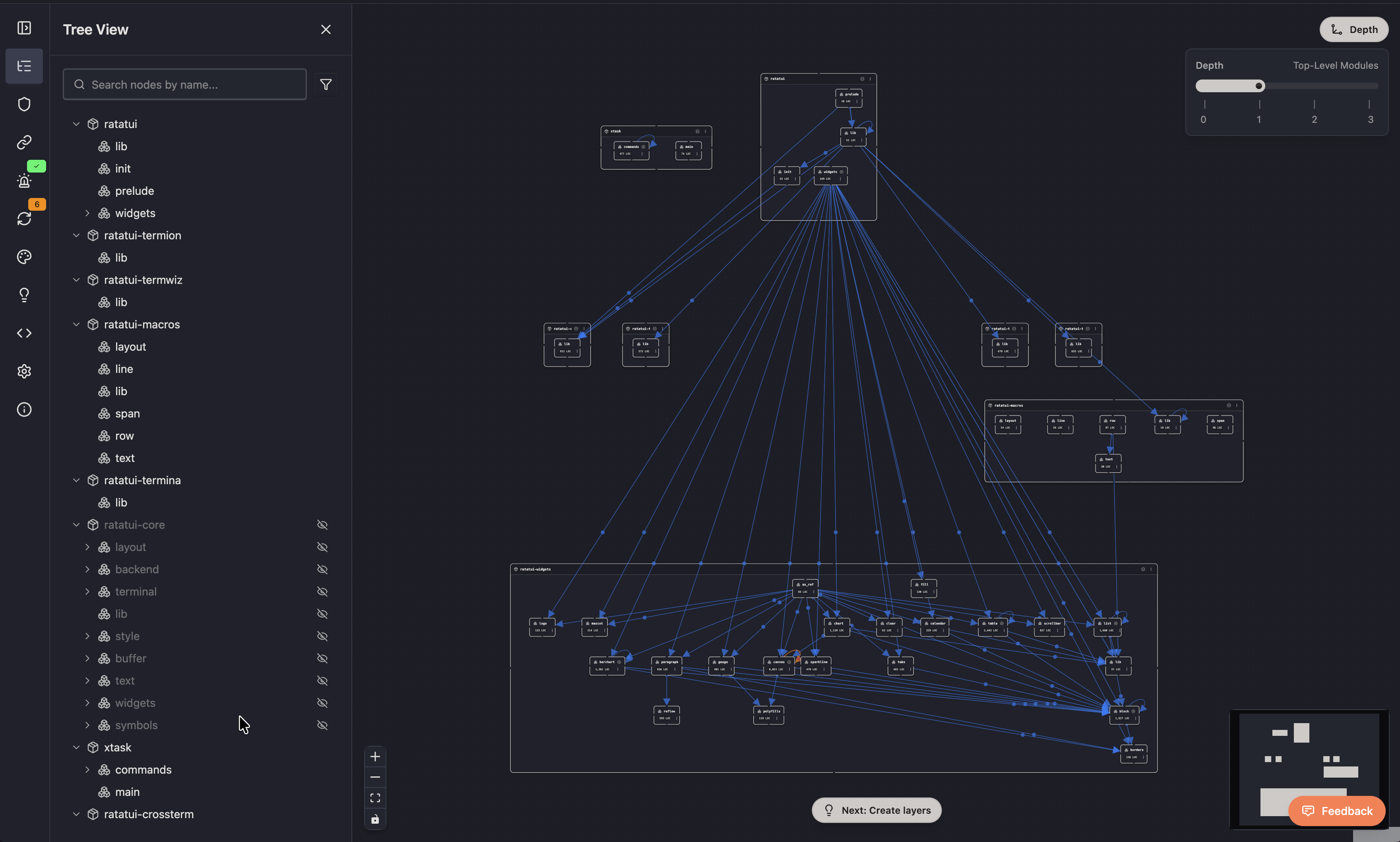
An interactive dependency graph of your packages and modules. Zoom from the whole workspace down to a single file and see exactly what depends on what.
Define your architecture visually
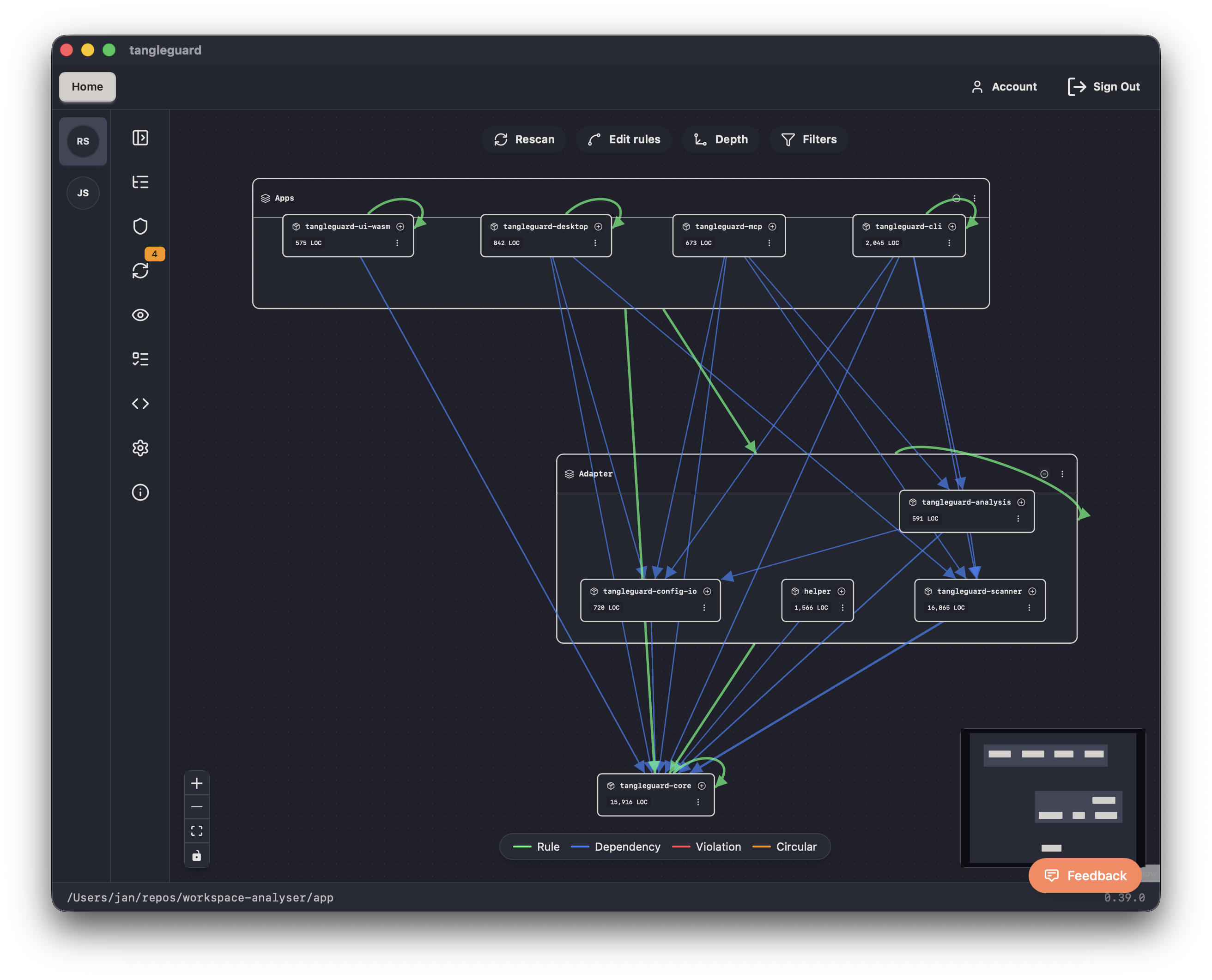
Drag components into layers and draw the allowed dependencies. Saved as tangleguard.json — the same file the CLI, the agent plugin and CI enforce.
Find and untangle cycles
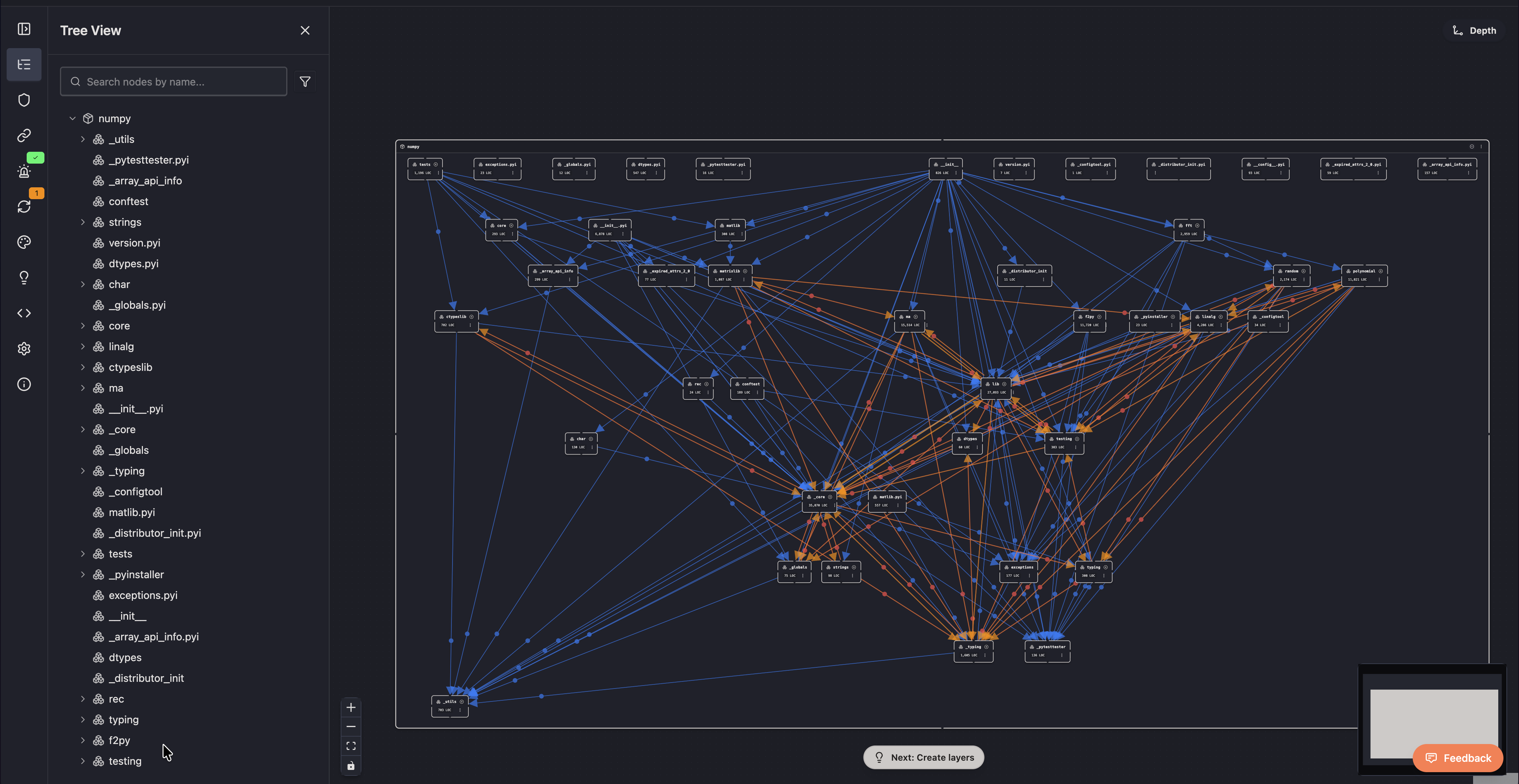
Circular dependencies are highlighted, with the cheapest edges to cut and the exact imports behind each one.
Review structural changes
Compare your working tree, a branch or two commits and see the architectural diff: new dependencies, new violations, cycles gained or lost.
The Studio in action
Graph, layers, rules and changes — straight from the app.
Explore the other products
One engine, several ways to use it — pick the one that fits your workflow.